How to Tell if Your Phone Is Being Monitored
- Foreign governments and malicious actors can track smartphones using GPS, Wi-Fi, and cell tower triangulation.
- Warning signs of spyware include strange background noises, unexplained data spikes, and sudden device overheating.
- Using specific dial codes can help reveal if your calls and messages are being forwarded to another number.
- You can block your phone from being tracked by using strong passwords, updating software, and installing a reliable VPN.
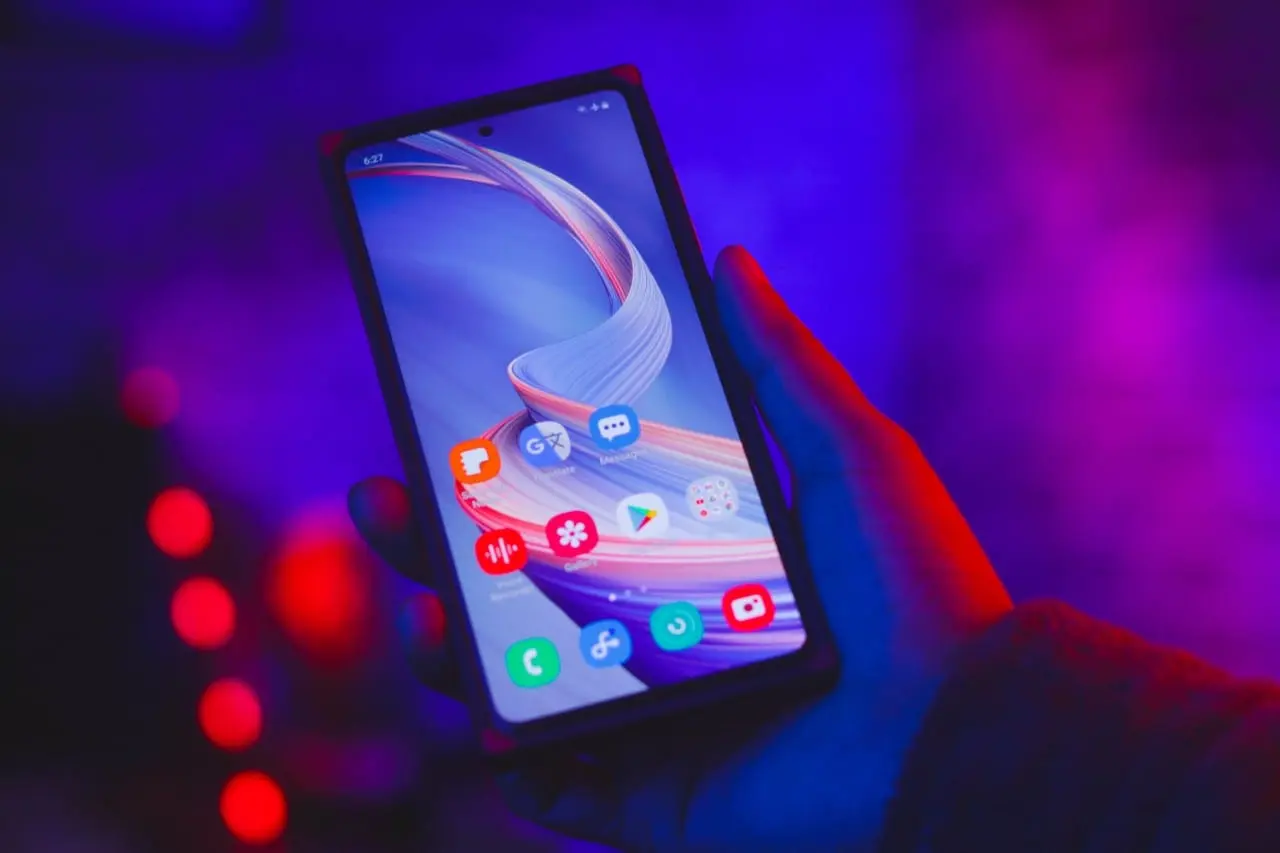
Smart device monitoring is a modern reality
Tracking or monitoring a smartphone—a device almost everyone uses daily—involves collecting or transmitting information about its location, usage, and activity to third parties. This is a particularly pressing issue today.
In the United States, reports have revealed how foreign governments attempted to spy on iPhone and Android users through mobile app push notifications, with the US government forcing Apple and Google to keep quiet about it [1].
A December 2023 report states that through legal demands sent to tech giants, various foreign governments tried to force companies to hand over sensitive information, which could include reviewing text messages or updated app activity data.
Indeed, governments worldwide are battling technology companies over phone tracking and surveillance.
Usually, there is more than one reason why someone chooses to monitor citizens' mobile phones. The methods can vary widely: from legal and permissible to invasive and strictly unethical.
Mobile devices often have built-in Global Positioning System (GPS) receivers that can determine the device's location. This information can be used to track the physical location of the device in real time.
Even without GPS, a phone's location can be roughly determined by triangulating its position based on signals received from nearby cell towers. Some systems also use Wi-Fi networks to track a device's location.
There are entirely legitimate apps and software designed for phone tracking and monitoring. For example, parents might use monitoring apps to oversee their children's activities, or companies might use tracking tools to manage and secure corporate-owned devices.
However, there is no shortage of malicious, invasive software that can be installed and activated on a phone without the user's knowledge.
This software can track the device's location, record conversations, monitor text messages, and more, posing a direct threat to personal security and privacy.
That is exactly why you need to know how to check if someone is tracking your phone. These warning signs were shared with the media in late 2023 by Laura Kankaala, a professional ethical hacker trained by the Finnish cybersecurity organization KyberVPK [2].
How to tell if your phone is being monitored
Watch for a green or orange dot in the top right corner of your phone
Kankaala warns that an orange or green dot appears when the device's microphone or camera is in use.
According to her, this can be a warning sign that someone is using a malicious app to monitor the phone.
Check for strange apps appearing on your device
Malicious software can record audio, read messages, or track your location. Sometimes, this equipment manifests as unsafe applications.
If you do not remember installing a certain app, it could be a red flag and one of the clearest signs of spyware on phone devices. Deleting them can sometimes be difficult or even impossible; in such cases, performing a factory reset on the phone might help.
Device overheating could indicate phone tracking
Frequent overheating of a mobile device can also be a sign that malicious software is installed on the phone.
According to Kankaala, when continuous location sharing is turned on, the phone's battery drains at an unexplained rate, and users might feel the phone suddenly overheat, making it uncomfortable to hold. This is one of the easiest signs to notice when learning how to know if your phone is being hacked.
Listen to your phone's audio
When talking on the phone, listen carefully for strange background noises. When calling someone else or receiving calls, you might hear odd sounds in the background that resemble whispering or rustling.
These are classic signs your phone is tapped, indicating that someone might be listening to your conversations using a monitoring or call-recording tool.
Monitor your data usage
If you suspect your phone is being monitored, check your settings. In the storage or network section, you should be able to see how much and what kind of data is being used.
If you notice that your device is using more data than usual, this can be a strong indicator of spyware [3].
Use codes to see if your phone is being tracked
If no other signs indicate that malicious software is installed on your phone, but you still feel unsafe, you can try dialing the numbers *#21# or *#62#.
These are common codes to see if your phone is being tracked, as they can reveal whether your calls and messages are being forwarded elsewhere. This would be a primary indicator that your device is being tapped. However, note that these numbers do not work in all countries worldwide or with all carriers and devices.
How to block your phone from being tracked
While it may seem almost impossible to avoid phone tracking these days, that is not entirely true. You can protect your phone from tracking and unauthorized listening by taking various measures to increase your privacy and security.
Here are some tips you can use to protect your security and privacy.
- Use strong passwords or biometrics. To protect your phone, set a strong, unique password and account access code, or use biometric authentication, such as a fingerprint or facial recognition.
- Regularly update your software. Keep your phone's operating system, apps, and security software up to date. Updates often include patches for vulnerabilities, ensuring your phone is always ready to respond to the latest security threats.
- Install a reliable security app. Use a trusted antivirus application. It will help scan the information on your device and alert you if malicious programs are detected on the phone.
- Review app permissions. Keep a close eye on what apps you have on your phone, and regularly check and manage app permissions. Grant apps only the necessary permissions and be cautious if apps request excessive access, such as constant access to your microphone or location.
- Use a Virtual Private Network (VPN). Use a reliable VPN to encrypt your internet connection, making it harder for third parties to monitor your online activities.
- Be careful when using public, free Wi-Fi networks. Avoid connecting to public Wi-Fi networks, especially if you are using this connection to log into highly sensitive accounts, such as online banking. If you must use public Wi-Fi, use a VPN.
- Watch out for phishing attacks. Be cautious when clicking on links in emails or text messages. Avoid downloading attachments from unknown sources.
- Use a firewall. Consider using a firewall app. A firewall is a program that restricts the interaction of apps or other computers behind it with the internet.
- Physically protect your phone. When you are not using your phone, keep it in a safe place. Avoid leaving it unattended in public places.
Remember that no security system is completely foolproof, so it is crucial to stay informed about new threats and security practices.
By regularly updating your knowledge about privacy and security measures, you can stay one step ahead of potential dangers.
Frequently asked questions
How to tell if your phone is being monitored?
Look for warning signs such as a green or orange dot on your screen indicating camera or microphone use, unexplained data usage spikes, frequent device overheating, or strange background noises during calls.
Are there codes to see if your phone is being tracked?
Yes, dialing *#21# or *#62# can sometimes reveal if your calls and text messages are being forwarded to another number, though this depends on your specific carrier and region.
How to block my phone from being tracked?
You can protect your device by using strong passwords or biometrics, regularly updating your operating system, reviewing app permissions, and using a reliable VPN, especially on public Wi-Fi networks.
Log in to comment
No comments yet. Be the first.